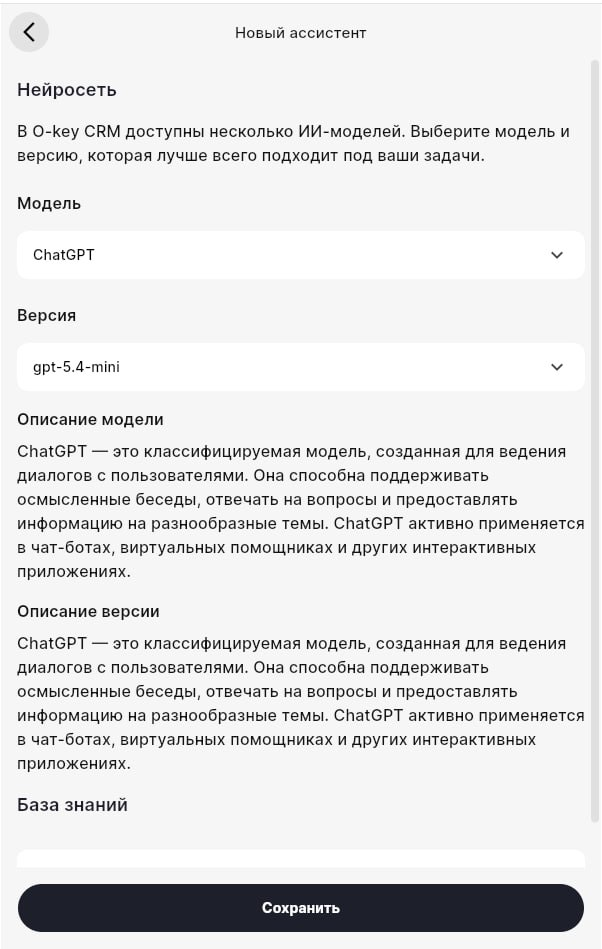
Text assistant settings in O-Key AI
Use this guide to edit a ready-made text assistant, for example a post creator or idea generator.
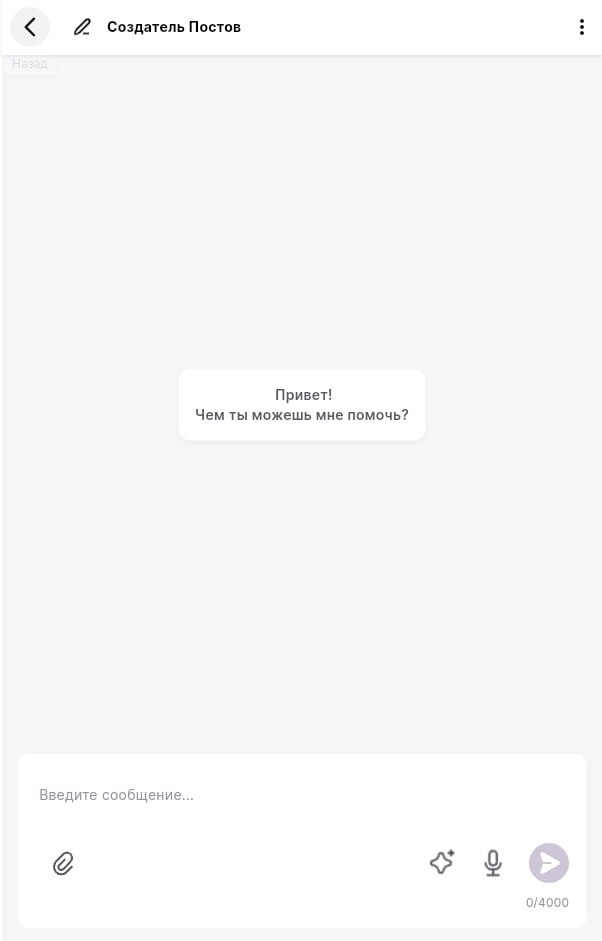
Open the assistant
Section titled “Open the assistant”- Open Studio or AI Assistants.
- Select the needed assistant card.
- Wait until the chat window opens.
Open settings
Section titled “Open settings”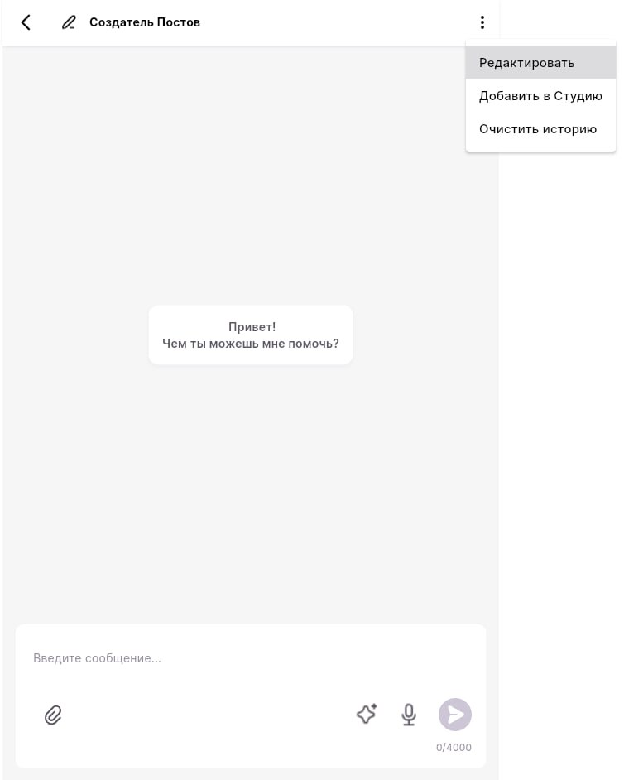
Click the three-dot menu and choose Edit. Do not choose Clear history unless you intentionally want to remove the conversation history.
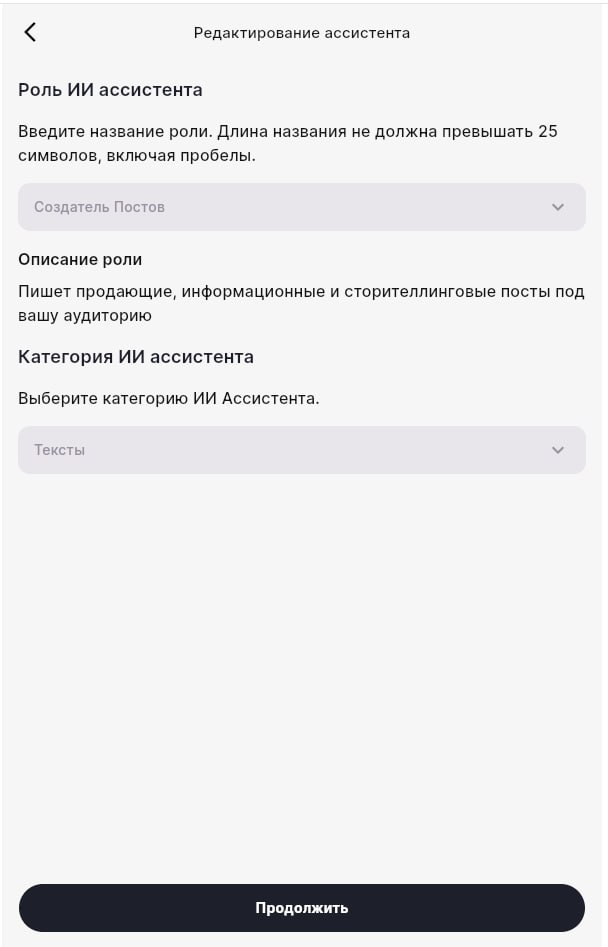
What you can edit
Section titled “What you can edit”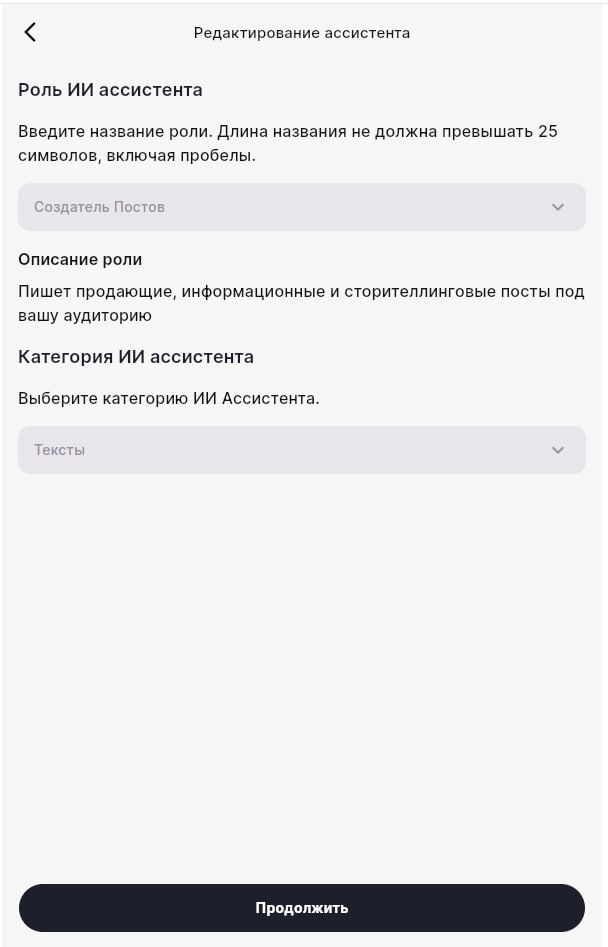
- Assistant role — the visible role name, for example “Instagram copywriter”.
- Role description — what the assistant should do and how it should write.
- Category — used for grouping assistants in the list.
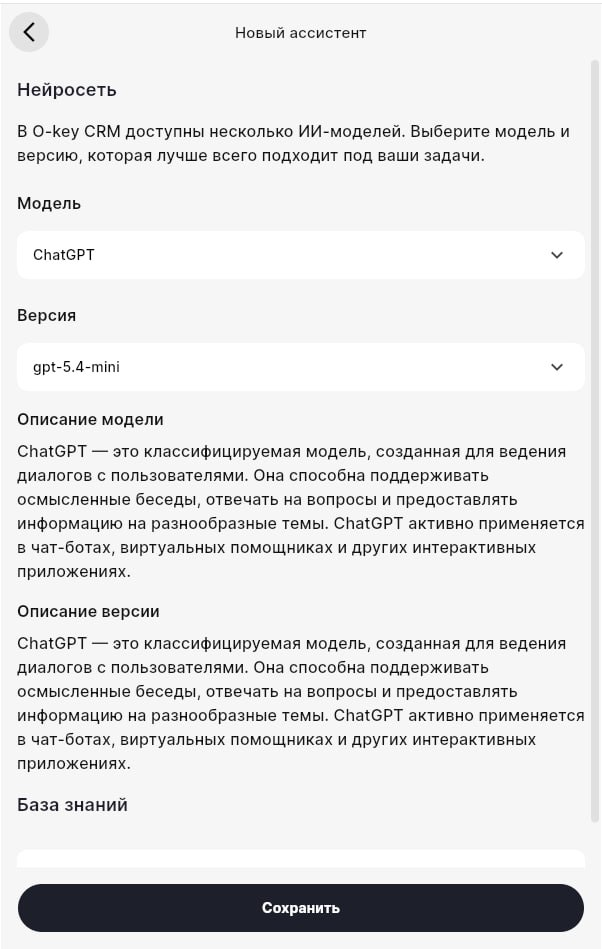
Then choose the AI provider/model, model version, and optional knowledge base.
Save and test
Section titled “Save and test”After editing, save changes and send a test prompt. If the assistant answers in the wrong tone, return to settings and improve the role description.