
How to find, open, and use the O-Key AI login page
Use this guide when you need to open O-Key AI or O-Key CRM and sign in.
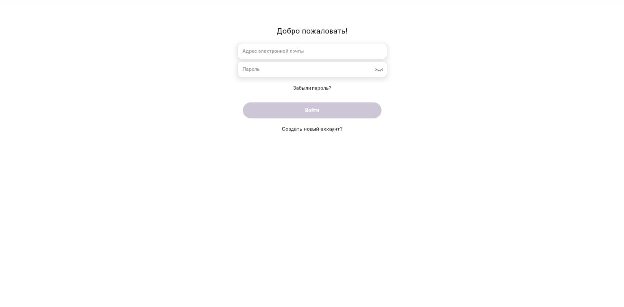
Where to sign in
Section titled “Where to sign in”You can use two entry points:
https://o-key.ai— the main site, where you can navigate to CRM or the app.https://crm.o-key.ai— the direct CRM login page.
For daily work, use the direct CRM address so you do not need to search for the login button.
Sign in
Section titled “Sign in”- Open your browser.
- Go to
https://crm.o-key.ai. - Enter the email address used during registration.
- Enter your password.
- Click Sign in.
If you forgot the password
Section titled “If you forgot the password”Click Forgot password?, enter your email address, and follow the instructions sent to your inbox.
Common checks
Section titled “Common checks”- Make sure there are no extra spaces in the email or password.
- Check the keyboard language before typing the password.
- If the page does not load, refresh it or try another browser.