
How to create your own AI assistant in O-Key AI
Create your own AI assistant when the built-in assistants do not fully match your task.
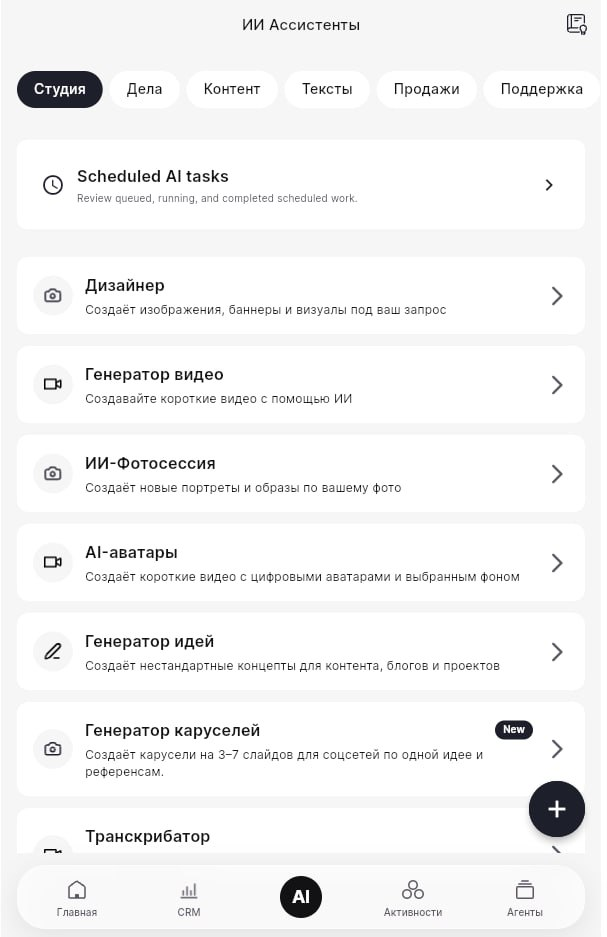
Before you start
Section titled “Before you start”Prepare the assistant purpose: what it should do, what tone it should use, and what information it can rely on.
Create the assistant
Section titled “Create the assistant”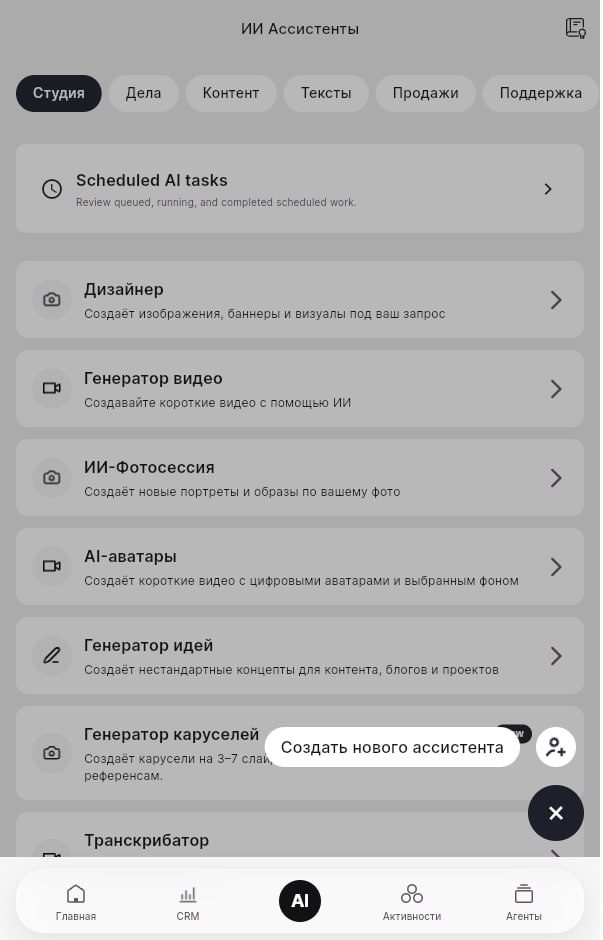
- Open Studio or AI Assistants.
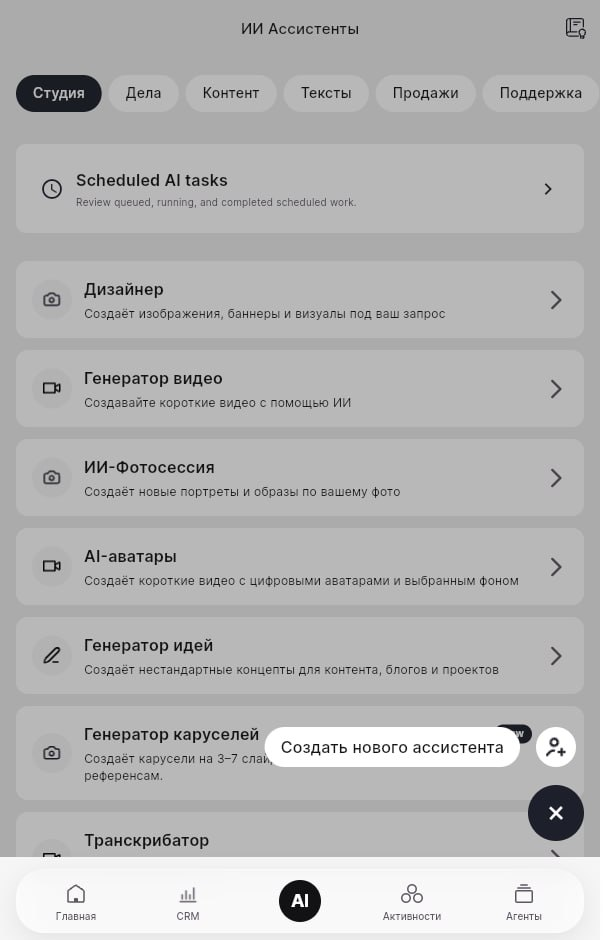
- Click the create/new assistant action.
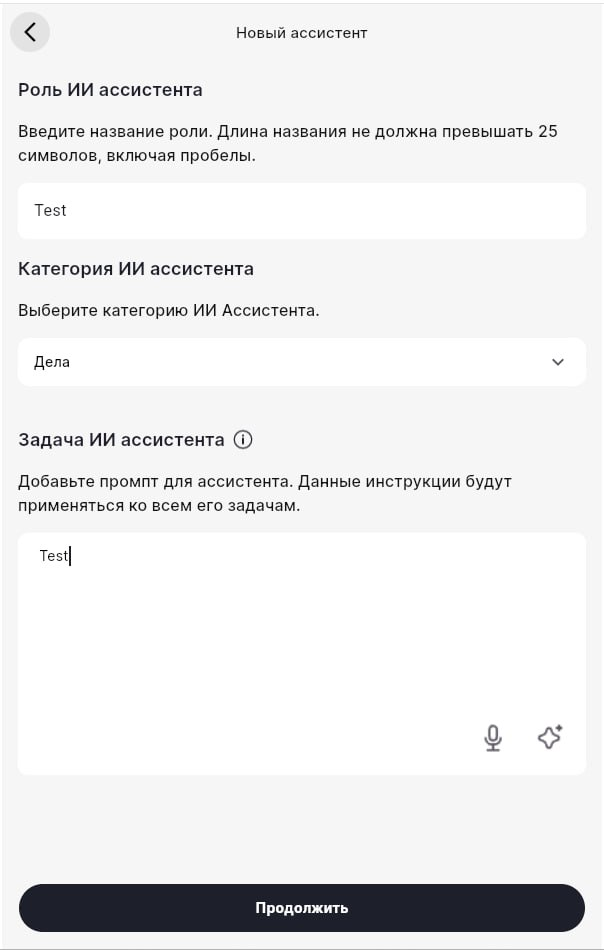
- Enter a short role name.
- Add a clear role description.
Choose model and knowledge base
Section titled “Choose model and knowledge base”Select the AI model and version available on your plan. If the assistant must answer using company-specific information, connect a knowledge base.
Save and test
Section titled “Save and test”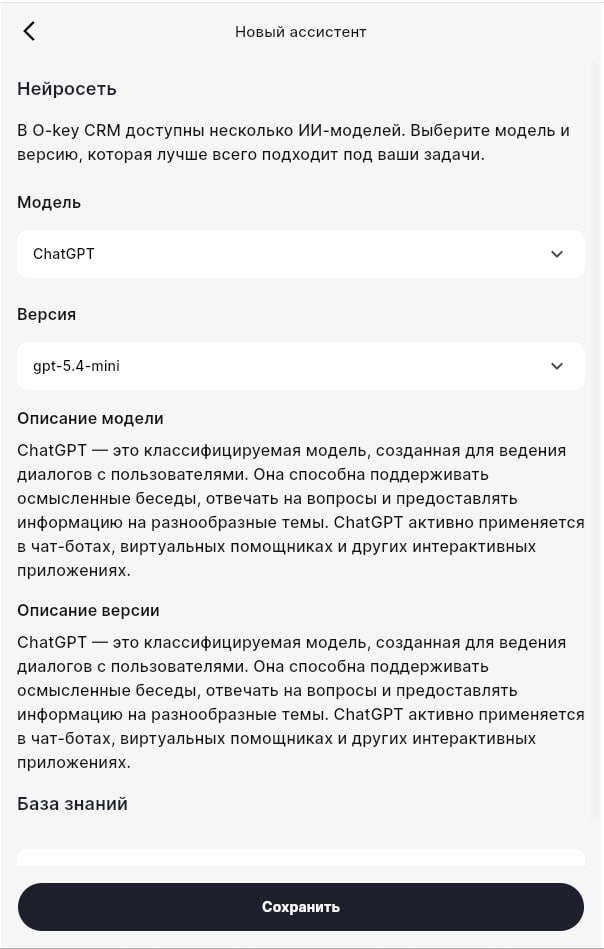
Save the assistant, then test it with realistic questions. Refine the description if answers are too broad, too long, or off-topic.